Lead Scoring and SLA Sheet: Score Leads and Agree the Marketing–Sales Handoff
The Lead Scoring and SLA Sheet helps you score every lead on fit and behavior, decide which leads go to sales, and agree in writing what marketing and sales each commit to. You set the criteria and points; the sheet calculates each lead’s score and priority, and tracks response times and conversion against the SLA.
 Saroj Jha October 4, 2026 8 min read Share Download the free templateSee the worked example
Excel .xlsx, opens in Google Sheets · No macros · Free · Pre-seed to Series B
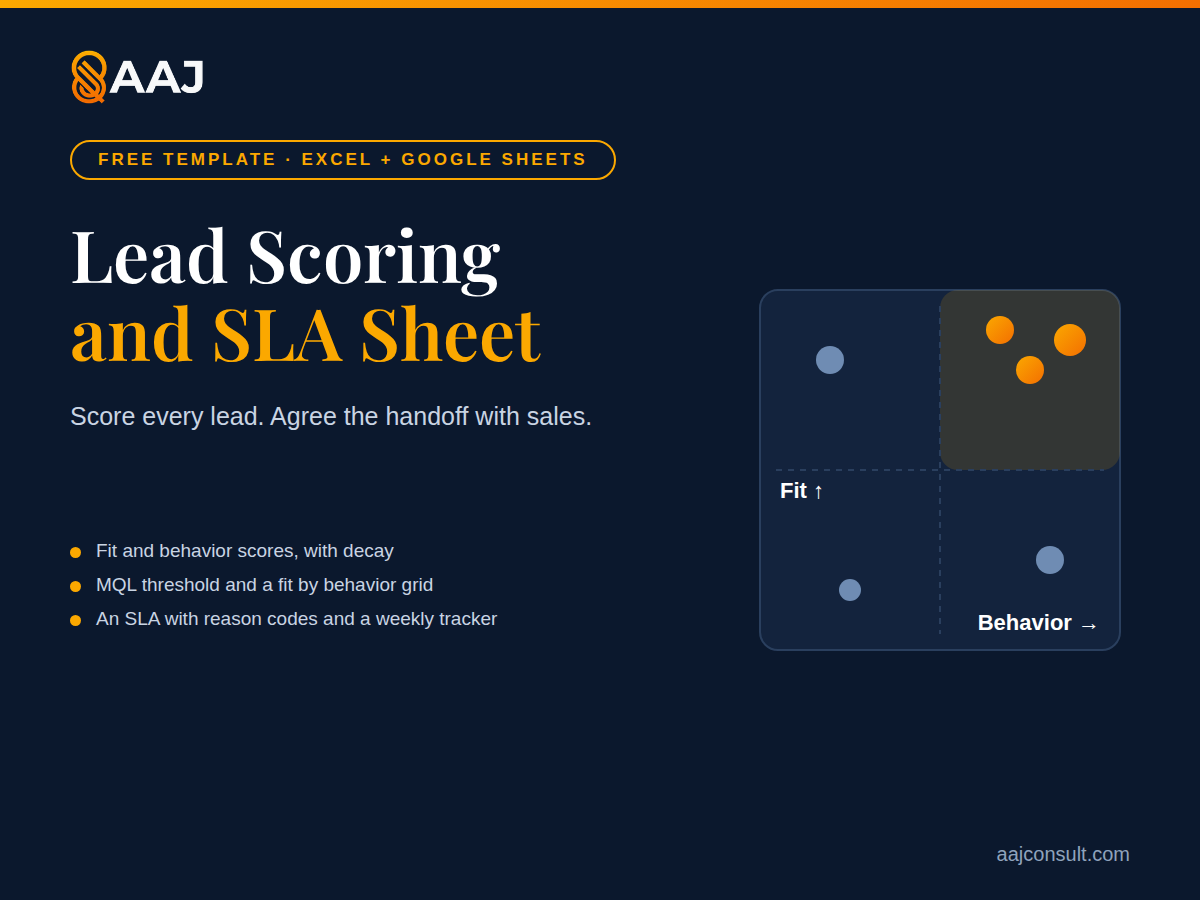
It is the working file for the Lead Management Playbook. Use it when someone other than the founder starts following up leads. Below the steps, a worked example shows the sheet filled in for one fictional company.
What’s inside
- Fit criteria. Up to eight criteria from your ideal customer profile (industry, company size, role, region) with points you set.
- Behavior criteria. Actions that signal interest (pricing-page visit, demo request, webinar attendance) with points and a decay period.
- Lead scorer. Paste or type leads; the sheet scores fit and behavior separately and places each in a fit × behavior grid.
- Stages and threshold. Your stage definitions and the score that makes a lead an MQL.
- SLA. What marketing commits to (volume, definition, information passed) and what sales commits to (first-response time, follow-up attempts, status updates), with reason codes for recycled and disqualified leads.
- Weekly tracker. Leads, MQLs, SQLs and opportunities by source; median response time; SLA compliance.
- How to use. A one-page guide with a clearly fictional worked example.
How to use it, step by step
The first four steps take about 45 minutes. The last two become your routine.
- Set fit criteria (10 minutes). Take three to five traits from your ideal customer profile and give each points.
- Set behavior criteria (10 minutes). List the actions that show buying interest; give demo requests and pricing visits more points than blog reads.
- Score last quarter’s leads (15 minutes). Paste them in and check whether the leads that became customers score highest. Adjust the points if not.
- Agree the SLA (10 minutes, with sales). Fill in the commitments and reason codes, and set a review day.
- Score and route new leads (every day). Paste new leads into the scorer. Send MQLs to their owner at once, and use the grid cell to decide what happens to the rest.
- Review the tracker (every week, about 30 minutes). Check conversion between stages, median response time and SLA compliance with sales. Change points or thresholds only when the numbers say so.
Criteria feed one scorer; the SLA sets the targets How the workbook’s sheets connect, per the build specification Fit criteria up to 8, points 0 to 20 Behavior criteria up to 10, points 0 to 30 halve after decay Stages entry rules, owners, MQL and high-fit lines Lead scorer fit score behavior, with decay total and grid cell MQL yes or no priority up to 500 leads points points thresholds SLA commitments, review day, reason codes, sign-off Weekly tracker leads to opportunities by source; flags weeks below the SLA target reason codes SLA target
Worked example: Example Co.
Running case · Example Co. (fictional)
The running case: Example Co. (fictional). Example Co. is a seed-stage B2B SaaS startup whose software automates the month-end close for finance teams at companies with 50 to 500 employees. The controller is the champion and daily user, the CFO or VP Finance signs, and IT and security review it. The team is eight people, including two founders and one account executive, and the goal is 30 new customers in the next 12 months. The founders want the sheet to tell the one account executive which leads to call today. Everything below, every criterion, score, lead and time, is fictional and illustrative.
Step 1 filled in: fit criteria
| Criterion | Matching values | Points |
|---|---|---|
| Company size | 50 to 500 employees | 15 |
| Role | Controller, CFO or VP Finance | 10 |
| Accounting system | One Example Co. integrates with | 10 |
| Month-end close | Longer than 8 working days (form answer) | 5 |
The maximum fit score is 40. The high-fit threshold stays at the sheet’s default of 30.
Step 2 filled in: behavior criteria
| Action | Points | Decay (days) |
|---|---|---|
| Demo request | 30 | 30 |
| Pricing-page visit | 15 | 14 |
| Webinar attended | 10 | 30 |
| Close-checklist download | 5 | 30 |
| Security-page visit | 5 | 30 |
| Blog post read | 2 | 14 |
Points halve after the decay period, as the sheet does. The MQL threshold stays at the default of 50. Example Co. treats behavior of 20 or more as high, because 20 is what a lead on the high-fit line needs to reach 50.
Step 3 filled in: six leads, scored
| Lead | Who | Source | Fit | Behavior | Total | Grid cell | MQL | Next action |
|---|---|---|---|---|---|---|---|---|
| L-01 | Controller, 220-person company, 10-day close | 40 | 30: demo request today | 70 | High fit, high behavior | Yes | Account executive calls within 1 business hour | |
| L-03 | CFO, 300-person company | Referral from an accounting firm | 35 | 30: demo request | 65 | High fit, high behavior | Yes | Co-founder who manages partners, within 1 business hour |
| L-02 | VP Finance, 140-person company | Accounting-community webinar | 35 | 25: pricing page 3 days ago, webinar 5 days ago | 60 | High fit, high behavior | Yes | Account executive, same business day |
| L-04 | Controller, 450-person company, 9-day close | Webinar | 40 | 5: webinar 40 days ago, halved from 10 | 45 | High fit, low behavior | No | Nurture; CEO adds the account to founder-led outreach |
| L-05 | Accounting student | 0 | 30: pricing page, webinar, checklist | 30 | Low fit, high behavior | No | Check; automated nurture if not a buyer | |
| L-06 | Bookkeeper, 12-person firm | Search | 10 | 1: blog post 20 days ago, halved from 2 | 11 | Low fit, low behavior | No | Automated nurture |
Three of the six leads are MQLs. The two demo requests come first. L-04 is the one to watch: a strong company that went quiet, worth a personal note from the CEO rather than a sales call.
Three of Example Co.’s six leads go to sales today Each lead placed by its fit and behavior scores; filled dots are MQLs (fictional) Route to sales now Nurture and target Check first Automated nurture L-01 · 70 L-02 · 60 L-03 · 65 L-04 · 45 L-05 · 30 L-06 · 11 Fit score out of 40 0 30 40 0 20 30 Behavior score (after decay) Fictional scores. MQL = total of 50 or more. High fit = 30 or more. High behavior = 20 or more.
Step 4 filled in: the SLA
| Commitment | Who | Example Co. setting |
|---|---|---|
| MQL volume | Marketing (the CEO) | About 36 a month, enough for 30 customers a year at the playbook’s assumed conversion rates |
| MQL definition | Marketing | Total score of 50 or more |
| Information passed | Marketing | Source, pages viewed, form answers |
| First response, demo requests | Sales (the account executive) | Within 1 business hour |
| First response, other MQLs | Sales | The same business day |
| Follow-up attempts | Sales | 6 over 10 business days |
| CRM status update | Sales | Within 1 business day |
| Reason codes | Both | No budget; wrong timing; no need yet; no supported accounting system; not a fit |
| SLA compliance target | Both | 90% of MQLs worked within the agreed time |
| Review day | Both | Monday, 30 minutes |
| Sign-off | Both | The CEO and the account executive |
A demo request gets a reply at once and a call within the hour Example Co.’s SLA clock for one demo request, not to scale (fictional) Demo form submitted 0 minutes Auto-reply with a booking link At once Alert to the account executive with the history At once First call or personal email Within 1 hour Status updated in the CRM Within 1 day No action within 1 hour? It moves to the other founder, with the reason logged. if missed Then: 6 attempts over 10 business days. No reply means recycled to nurture with a reason code. Then: 6 attempts over 10 business days. No reply means recycled to nurture with a reason code. Example Co.’s SLA times (fictional). Set your own on the SLA sheet.
Weekly tracker: one week
| Week | Source | Leads | MQLs | SQLs | Opportunities | Median response (hours) | Within SLA |
|---|---|---|---|---|---|---|---|
| Week 1 | 40 | 3 | 1 | 1 | 0.6 | 100% | |
| Week 1 | Accounting communities | 25 | 4 | 2 | 1 | 1.5 | 75% |
| Week 1 | Accounting-firm referrals | 3 | 2 | 1 | 1 | 0.5 | 100% |
| Week 1 | Website and search | 30 | 0 | 0 | 0 | No MQLs | No MQLs |
Nine MQLs in a week is on track for about 36 a month. The sheet flags the accounting-community row, because 75% is below the 90% target. At the Monday review, the team looks at when those leads arrived and who owned them, and fixes the alert before it changes any scores.
Use this on AAJ
- Lead Management Playbook: how stages, scoring, routing and the SLA work, with the same Example Co. case.
- ICP Fit Scorer: build the fit criteria.
- Pipeline Forecast Calculator: forecast from your stage conversion rates.
Frequently asked questions
What score should make a lead an MQL?
One that sends sales a number of leads they can work well. Start there, then adjust after a month using conversion to SQL.
Does the template include benchmark response times?
It suggests a first response within one hour for demo requests, based on a 2011 Harvard Business Review study of lead response time by Oldroyd, McElheran and Elkington. Every other number is yours.
Can I use it with my CRM?
Yes. Export leads from your CRM into the scorer, or copy the criteria and points into your CRM’s scoring rules.
How often should I update the scoring?
Every quarter, comparing scores with won and lost deals.
What this resource helps you do
Score every lead on fit and behavior, set your MQL threshold, and write a marketing–sales SLA with response times and a weekly tracker.
Get the sheet from AAJ's free marketing templates library.
More in Sales & Pipeline
Part of the Sales & Pipeline hub - see all 38 resources on this topic.
- Playbook: Account-Based Marketing (ABM) Playbook
- Article: Battlecards for a Three-Rep Team
- Article: Cold Email for Founders: How to Write a Sequence That Gets Replies
- AI agent skill: Cold Email Sequence
Also useful in Analytics, Experiments & Budget.