The Crisis Plan One-Pager: Decide Who Decides Before It Happens
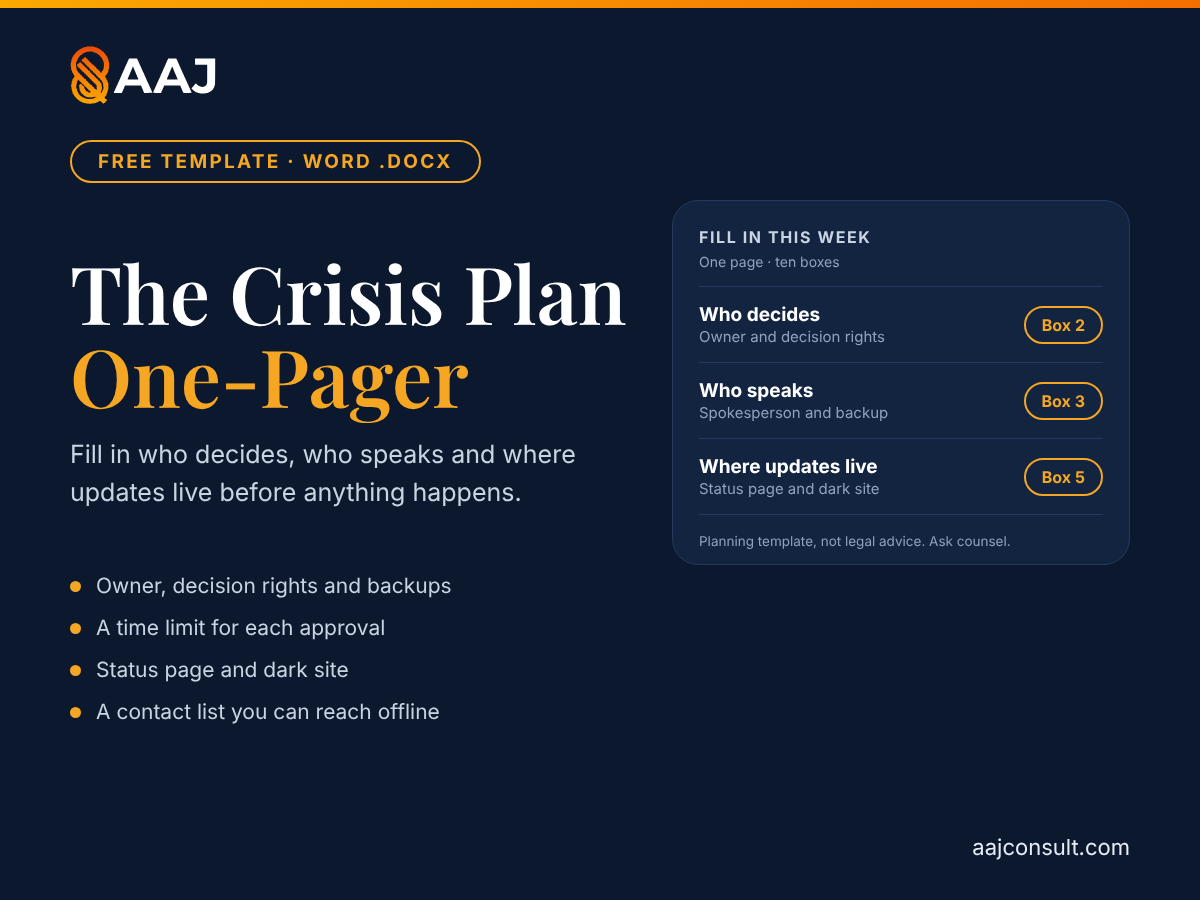
The Crisis Plan One-Pager is a fill-in Word page for the decisions a startup should make before a crisis: who decides and who backs them up, who speaks, where updates live, how long each approval may take, what is checked before anything is published, and who counsel is. It is a planning template, not legal advice.
 Saroj Jha October 24, 2026 3 min read Share
 Free. No spam — just the template (and the occasional growth playbook). Unsubscribe anytime.
See the worked exampleWord .docx, one page, fill in on screen or print · No macros · Free · Pre-seed to Series B
A crisis plan written during a crisis is a draft, not a plan. The startups I work with rarely lack good intentions. What they lack is a page that says who decides, who speaks and where the first update goes, with a name and a backup on each line.
This is that page. It is Step 2 of my Crisis Communications Playbook turned into a form you can fill in this week. It is a planning template, not legal advice: ask counsel where a legal duty may apply.
What’s inside
| Box | What you write down |
|---|---|
| 1. Owner and incident roles | One named communications owner and a backup, plus who runs the technical response and who keeps the timeline. |
| 2. Who decides | Who can publish a holding statement without waiting, who approves a full statement, and who can take the product or a feature offline. |
| 3. Who speaks | One spokesperson and a backup, and the line everyone else uses. |
| 4. First statement and the limit | Who approves the holding statement and the full update, and the time limit for each. |
| 5. Where updates live | The status page hosted apart from your product, and the dark site you keep unpublished. |
| 6. Channels, in order | Employees, affected customers, lead investor and board, all customers and the public, then press. |
| 7. Checked before publishing | A short checklist: counsel, CEO approval, what the statement says, and the next update time. |
| 8. Who counsel is | Outside counsel and, if you use one, a crisis PR agency, decided in advance. |
| 9. Monitoring | Alerts on your names, a support-queue alert, and one easy channel for anyone to flag “this might be something”. |
| 10. Contact list | Names, mobile numbers and backups for the people you would call, kept where you can reach them if your own systems are down. |
Lines beginning “e.g.” show Example Co., a fictional company from the playbook. Replace them with your own answers.
How to use it, step by step
- Fill in the names first. Owner, decider, spokesperson and counsel, each with a backup.
- Set a time limit for each approval. Without one, approval becomes the delay.
- Build the status page and the dark site and put the links in box 5.
- Get your holding statements approved by the CEO and counsel, so only the facts need filling in.
- Store the page where you can reach it if your own systems are down, then book a tabletop exercise.
Do this: write the one-pager this week, then run one scenario against a clock and write each gap you find into the plan with an owner.
Worked example: Example Co.
Running case · Example Co. (fictional)
The running case: Example Co. (fictional). Example Co. is the invoicing company in the Crisis Communications Playbook, whose release wrongly attached line items to invoices. The entries below are illustrative.
| Box | Example Co. (fictional) |
|---|---|
| Communications owner | The head of marketing, who wrote the plan six months earlier |
| Technical incident | The CTO runs it |
| Spokesperson | The CEO |
| Approval limits | 30 minutes for a holding statement on the owner’s approval alone; six hours for a full update with the CEO’s |
| Where updates live | A status page on a separate provider; four holding statements approved in advance |
| Contact list | Counsel and the lead investor included, kept in a shared document outside the company’s own workspace |
Example Co., the point. The plan is what lets the first statement go out quickly, because the decisions were made before the incident.
Who it’s for
Founders and marketers at seed to Series B startups who do not have a crisis team. In a very small company the founder may hold several roles, so write them down as separate jobs. It helps you decide in advance. It does not replace your counsel.
Use this on AAJ
- Crisis Communications Playbook: the ten steps behind this page, with six message templates.
- Earned Media Playbook: nine steps to decide what coverage is for, find a story only you can tell and pitch the right people.
- Privacy and Advertising Rules for Startup Marketers: checks before a campaign goes live.
- How to Make Security a Selling Point: five steps to make your security answers part of how you sell.
- Marketing Compliance Checklist: the rules marketing runs into first, with the regulator’s own page.
Frequently asked questions
Is the Crisis Plan One-Pager legal advice?
No. It is a planning template, and it is orientation, not legal advice. Where a legal duty may apply, such as a duty tied to personal data, ask your counsel. The plan has a box for who counsel is, so the call is a name on a page rather than a search during an incident.
What goes on the one page?
Ten boxes: the communications owner and incident roles, who decides, who speaks, the first statement and the time limit you set for each approval, where updates live, the channels for the first day, what is checked before anything is published, who counsel is, monitoring, and a contact list. It follows the one-page plan in Step 2 of the Crisis Communications Playbook.
Who should be our spokesperson?
One named person and a backup, written in the plan, with everyone else routing questions to them. For a routine outage the status page may be all you need. For a serious crisis, decide with your CEO and counsel who speaks. In a very small company the founder may be the owner, the spokesperson and the incident lead.
How fast should the first statement go out?
As soon as you have confirmed that customers are affected. The exact limit is yours to set in the plan. The first statement only needs to say you know, what you have done so far and when the next update will come. Example Co., the fictional company in the playbook, allows 30 minutes for a holding statement on the owner’s approval alone and six hours for a full update with the CEO’s.
Why a status page and a dark site?
A status page hosted apart from your product stays up when the product is down. A dark site is a plain incident page you build now and keep unpublished, with a headline, a date, a “what we know” section, an FAQ and a contact address, so you can fill it in and publish in minutes.
Is it free, and what format is it?
Free, in exchange for an email address. It is a one-page Word .docx you can fill in on screen or print.
Write the plan before you need it
Word .docx, one page, fill in on screen or print · No macros · Free
Sources
- Stribblehill, A. (ed. Guliani, K.). Chapter 14: Managing Incidents. Site Reliability Engineering, Google, online edition. sre.google
- Atlassian. Learn incident communication with Statuspage. Incident management tutorial. atlassian.com
What this resource helps you do
A one-page Word plan to fill in before a crisis: who decides, who speaks, where updates live, the time limit for each approval and who counsel is.
Get the one-pager from AAJ's free marketing templates library.
What The Crisis Plan One-Pager does
A one-page Word plan to fill in before a crisis: who decides, who speaks, where updates live, the time limit for each approval and who counsel is.
It is a Word document, free in exchange for an email address. It is a template, not legal advice.
More in PR, Partnerships & Events
Part of the PR, Partnerships & Events hub - see all 16 resources on this topic.
- Playbook: Crisis Communications Playbook
- Template: The PR Pitch & Media Tracker
- Template: The Webinar Run-of-Show & Follow-Up Planner
- Free tool: Webinar Pipeline Planner
Also useful in Brand & Voice, Marketing Ops, AI & Team.